










How to Use
Note: When the device is turned on, it defaults to 2.4G mode. To connect via Bluetooth, switch the headsets to Bluetooth mode.(Please refer to the manual for the switching method)
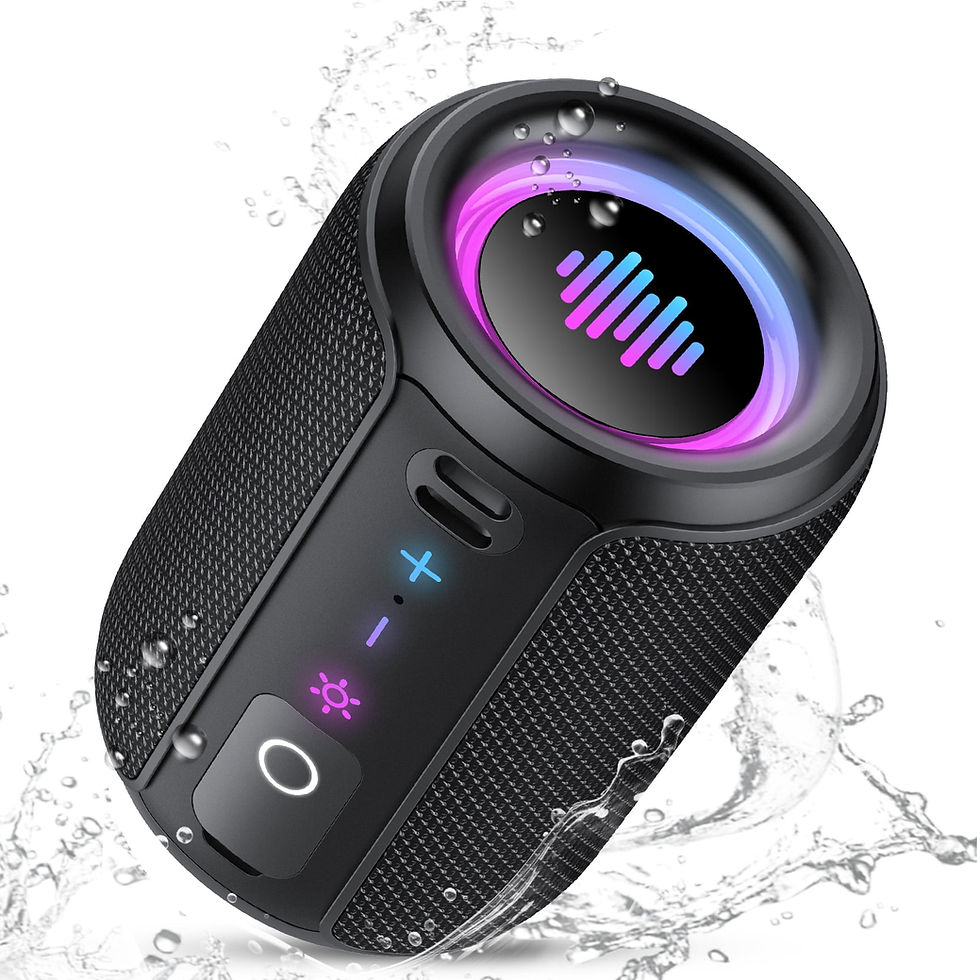
2.4G Dongle /Bluetooth mode:Long press the light button (Bluetooth--blue light is always on, 2.4G--green light is always on.The wireless transmitter chip is located inside the Type-C port, so it must be plugged into the Type-C port when using a USB connection. )Power On:Hold power button for 3 secondsPower Off:Hold power bu tton for 5 seconds any timeVolume +:Short press "+"Volume -:Short press "-"Previous Track:Long press "-"Next Track:Long press "+"Play/Pause:Press power buttonAnswer/Hang up:Press power buttonRefuse to answer:Hold power button for 2 secondsClear pairing information:Bluetooth: When the device is powered on and not connected, press and hold the "+" and "-" keys for 10 seconds and then turn off the device(clear all pairing and connection information)2.4G: When the device is powered on and not connected, press and hold the "+" and "-" keys for 10 seconds to clear the dongle + phone.light on/off:Double-click the light button for 2 secondsMIC on/off:Click the light button during a call
Siivton Wireless Bluetooth Gaming Headset with 2.4G Mode, 1000mAh Battery, 80H
SKU: 16764857118
$72.00Price